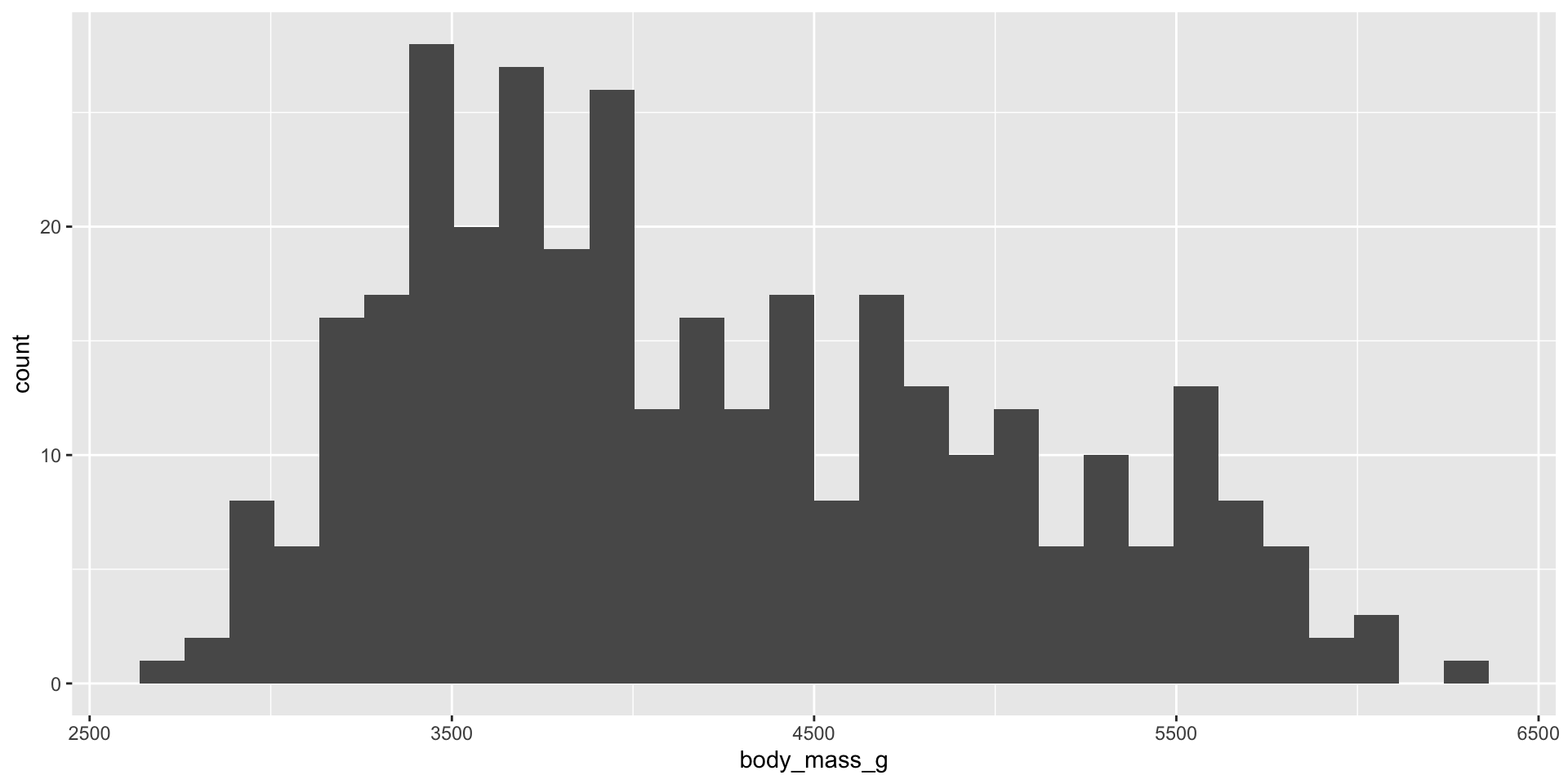
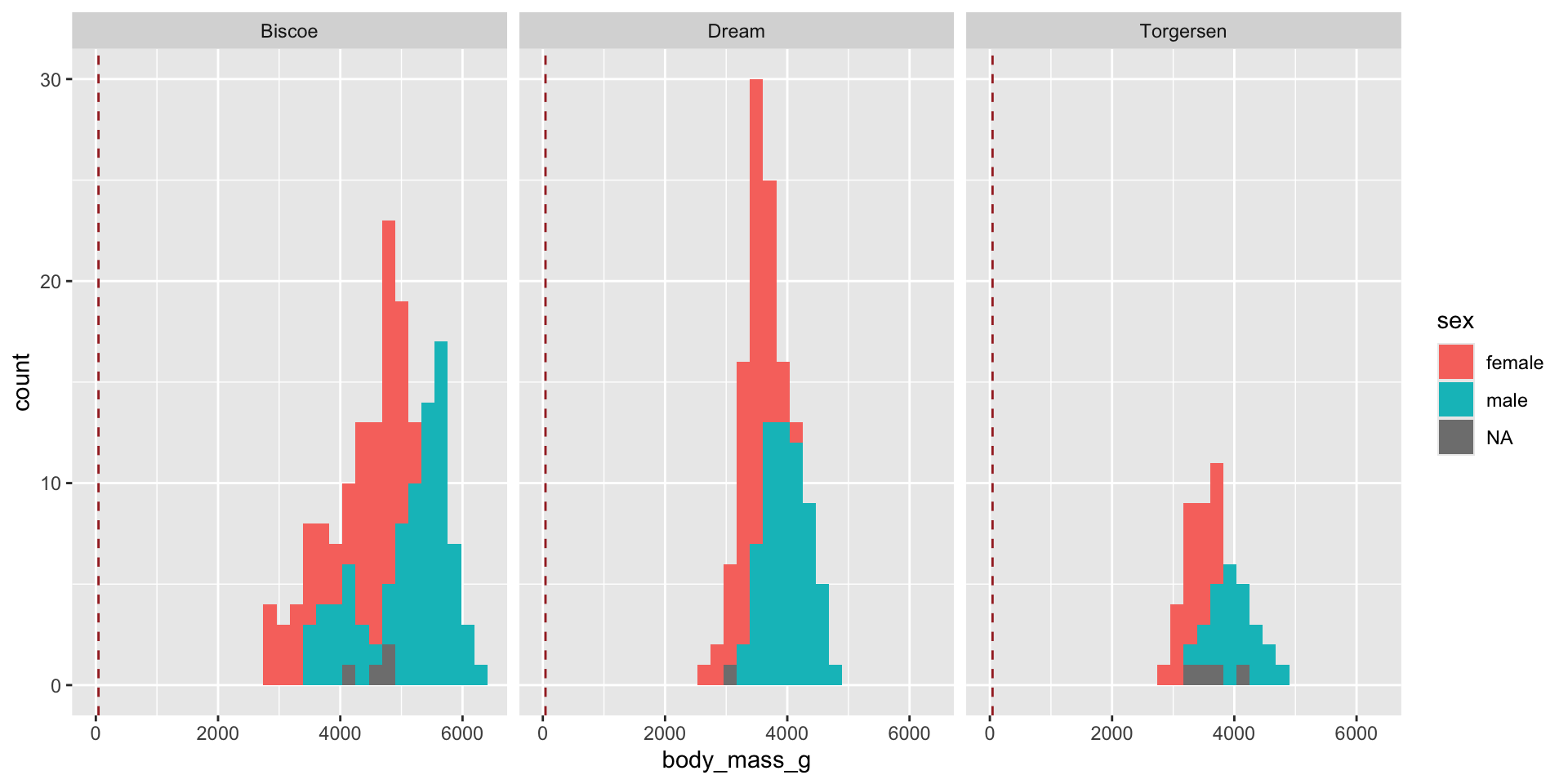
In this lecture I’ll use one set of data called palmerpenguins to illustrate some of the ideas you should consider when building a graph.
We’ll focus mostly on the numeric variables in this lecture, although many of the ideas are similar for both numeric and categorical variables.
Example mass
Recall how we can use summarize from lab 2 to calculate descriptive statistics.
# Putting inside of summarize is helpfulpenguins |>summarize(body_mass =mean( body_mass_g, na.rm=TRUE))
# A tibble: 1 × 1
  body_mass
      <dbl>
1     4202.
Below we can calculate the mean() with base R (i.e. without summarize()).
# But not necessarymean(penguins$body_mass_g, na.rm =TRUE)
[1] 4201.754
Try one:
Find the median flipper length using summarize().
Answer:
To find the median flipper length using summarize() you would use this code in a chunk:
# Putting inside of summarize is helpfulpenguins |>summarize(body_mass =median( flipper_length_mm, na.rm=TRUE))
# A tibble: 1 × 1
  body_mass
      <dbl>
1       197
Boxplots
Boxplots are helpful for finding outliers.
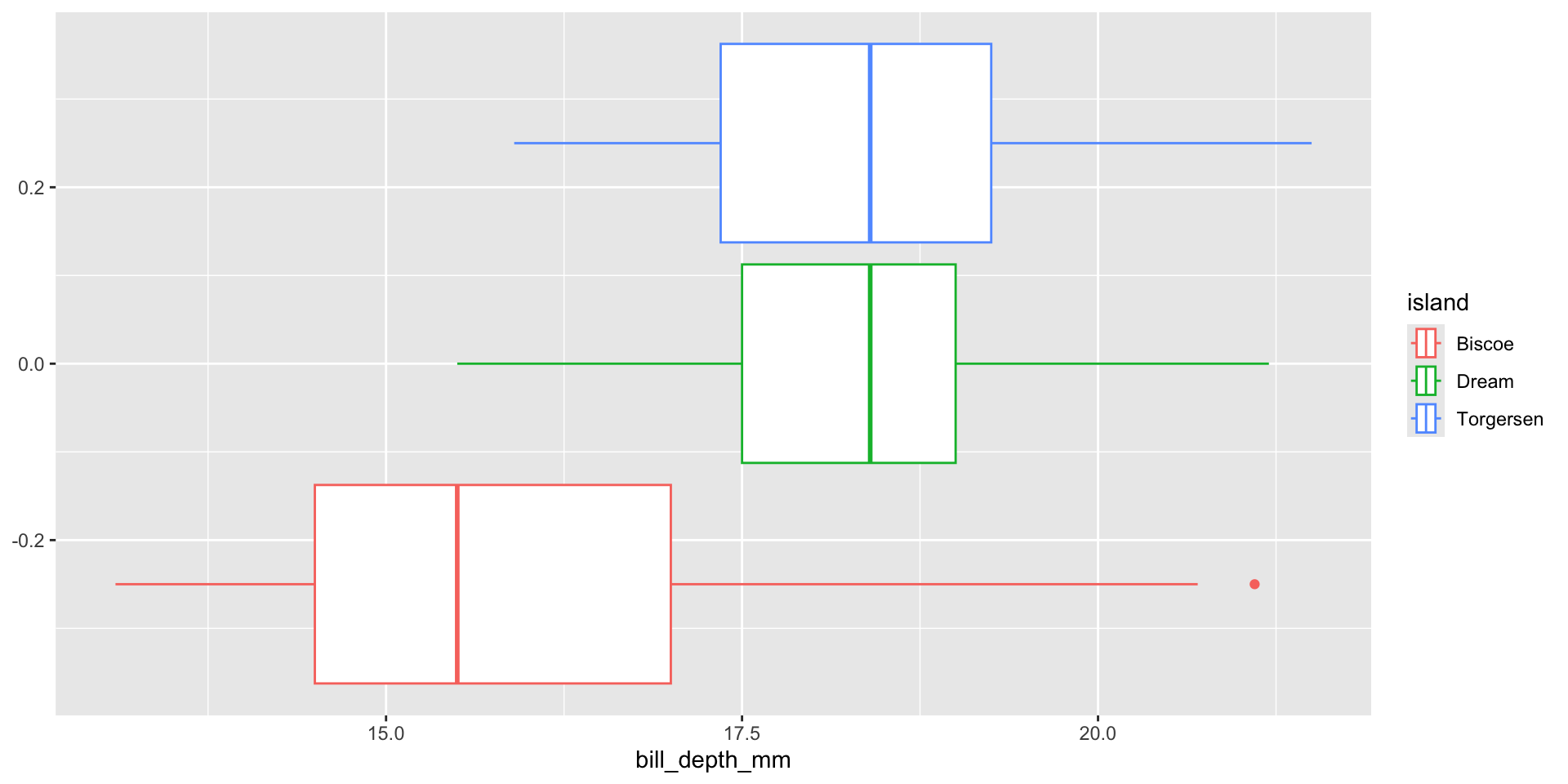
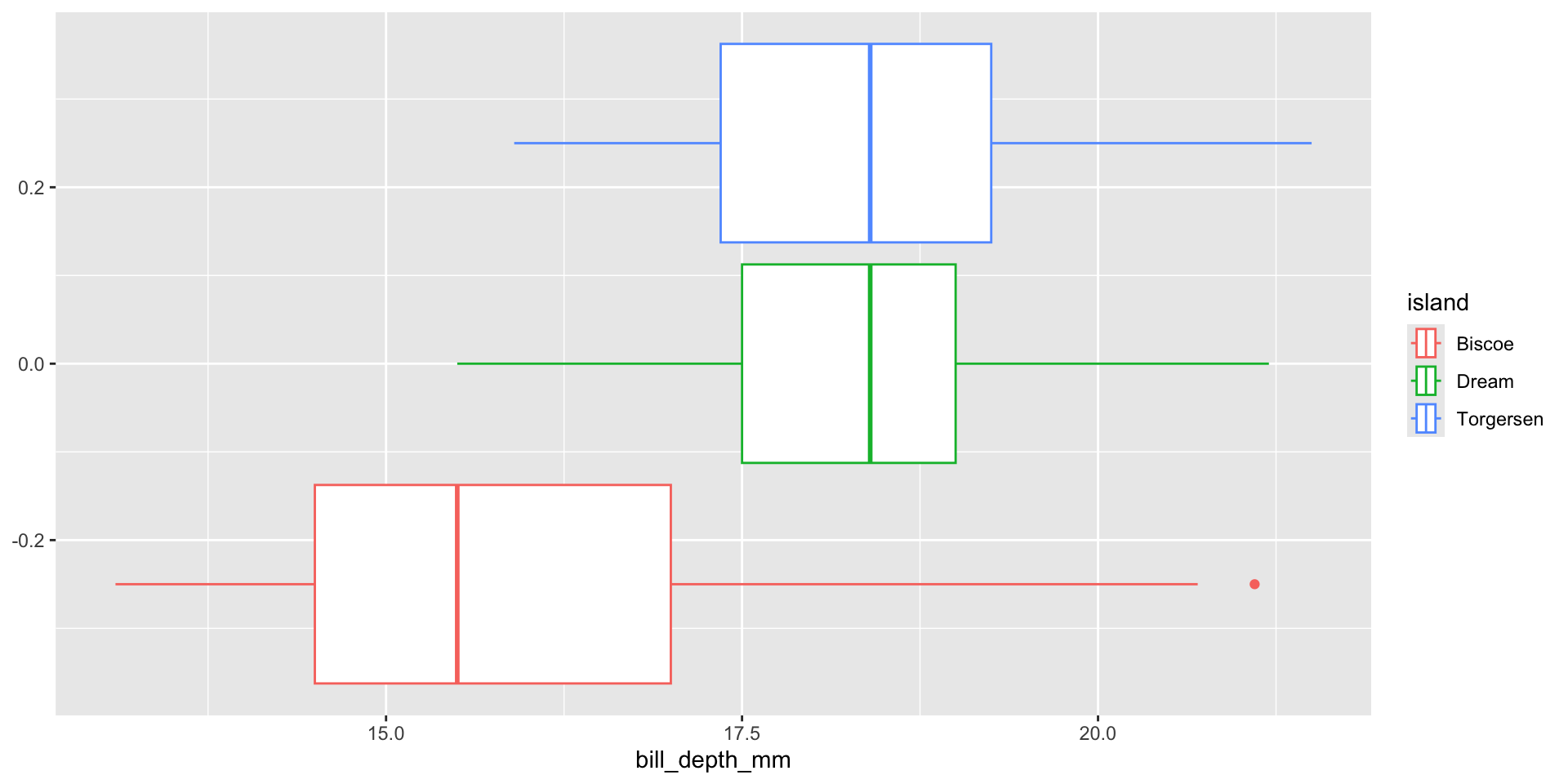
Try to make a boxplot of the penguins bill_depth_mm color it by island.
Code for graph
## boxplot for bill depth, separated by island.penguins |>ggplot(aes(x = bill_depth_mm, color = island))+geom_boxplot()
geom_vline()
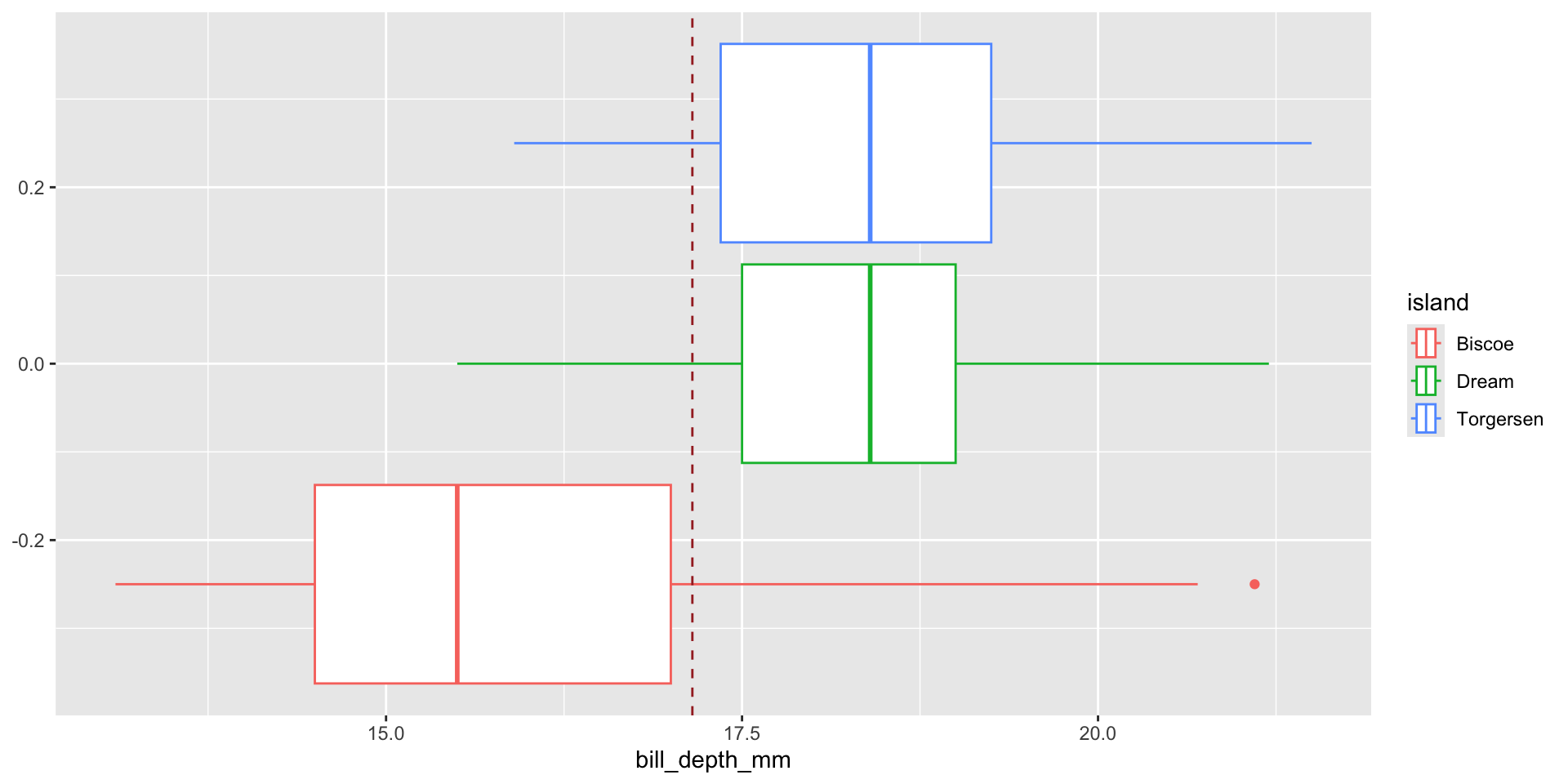
If you want to mark part of the graph, sometimes a vertical line is helpful. You simply add on a geom_vline() layer.
# Adding a brown line to show the mean billdepth. mean_bill_depth =mean(penguins$bill_depth_mm, na.rm =TRUE)penguins |>ggplot(aes(x = bill_depth_mm, color = island))+geom_boxplot()+geom_vline(xintercept = mean_bill_depth,color="brown",linetype="dashed")
faceted
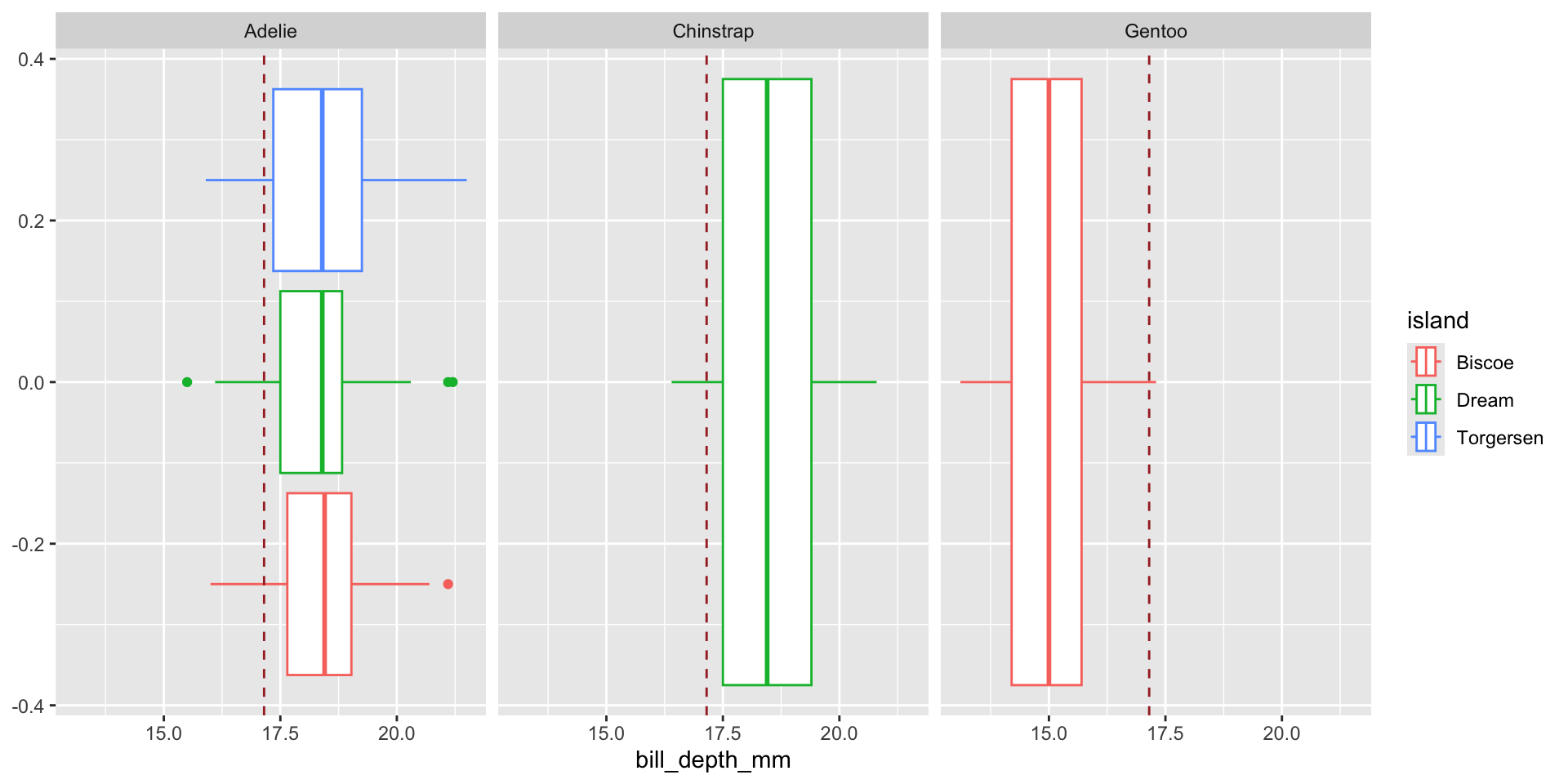
We can break code into smaller piece called facets.
# In the code below I am faceting by speciespenguins |>ggplot(aes(x = bill_depth_mm, color = island))+geom_boxplot()+geom_vline(xintercept =mean( penguins$bill_depth_mm, na.rm =TRUE),color="brown",linetype="dashed")+facet_grid(~species)
Create Histograms
To see the spread, center and shape of a numeric variable.